Product
18 June 2026
2 min
Finding a suitable group from the waiting list
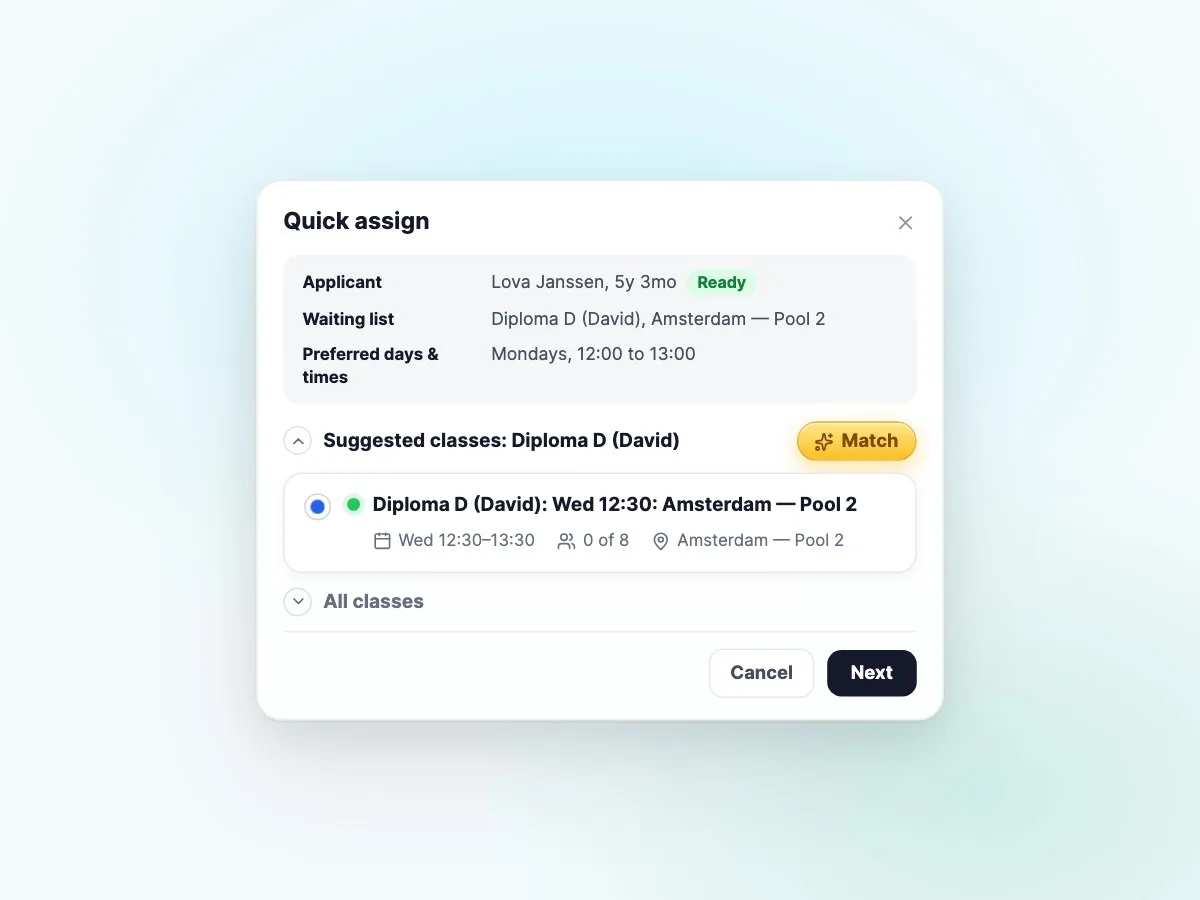
A place has opened up in a lesson group? See how Sportadmin helps match swimmers on the waiting list with a suitable lesson time. You confirm the placement.

David Oude Weernink
2 September 2026 · 9 min read
Eighty-seven of ninety spots filled is a good week. It is also the kind of number that hides the part worth acting on: the three spots that will stay empty unless somebody notices them today.
That is the whole idea behind the weekly assistant, which now sits at the top of Classes and Lessons.
Open the week and you get a short read of it in plain language. Not a dashboard to interpret, but a few sentences telling you where you stand:
Underneath, every day of the week gets its own bar, so a glance is enough to see that Tuesday through Sunday are done and the gaps are on Monday and Wednesday.
Then you click the day, and it suggests who to put in the spot.
Most planning tools stop at "6 of 8". That is accurate, and it is easy to scroll past for a few weeks in a row.
An open spot is not an abstraction, though. It is a lesson that runs at the same cost with one fewer swimmer in the water. Three of them across a week is roughly a hundred and seventy-five euros of a single round, in a school where the same three gaps quietly repeat all term.
So the assistant says the amount out loud. Not to be dramatic about it, but because a number in euros gets acted on and a fraction usually does not.
The assistant does not move anyone. When you click a day with an open spot, it puts forward the families on your waiting list who fit that group, that level, and that time, and you take it from there. Approve, skip, pick someone further down the list.
That distinction matters to us. Nobody wants software that reshuffles their groups overnight and tells them afterwards. The job here is to do the part you would have done with a spreadsheet on a Sunday evening, and then get out of the way.
It is at the top of Classes and Lessons, above the week. It updates as bookings come in, and it collapses if you would rather not look at it. Filter by day, program, location, or instructor and the read follows your filters, so a school running two locations can look at one of them at a time.
If you run a swim school and have an opinion about the assistant, we would rather hear it now than after we have built the next part. Get in touch and we will set up a short call.
And if you have not seen the rest of Lime Sportadmin yet, book a demo and we will walk through it with your own week in front of us.
Product
18 June 2026
2 min
A place has opened up in a lesson group? See how Sportadmin helps match swimmers on the waiting list with a suitable lesson time. You confirm the placement.

News
9 September 2026
1 min
The Dutch team has moved into a new office in Assen - a proper home base for the people building and supporting Lime Sportadmin for swim schools, and an open door for anyone who wants to drop by.
News
9 September 2026
1 min
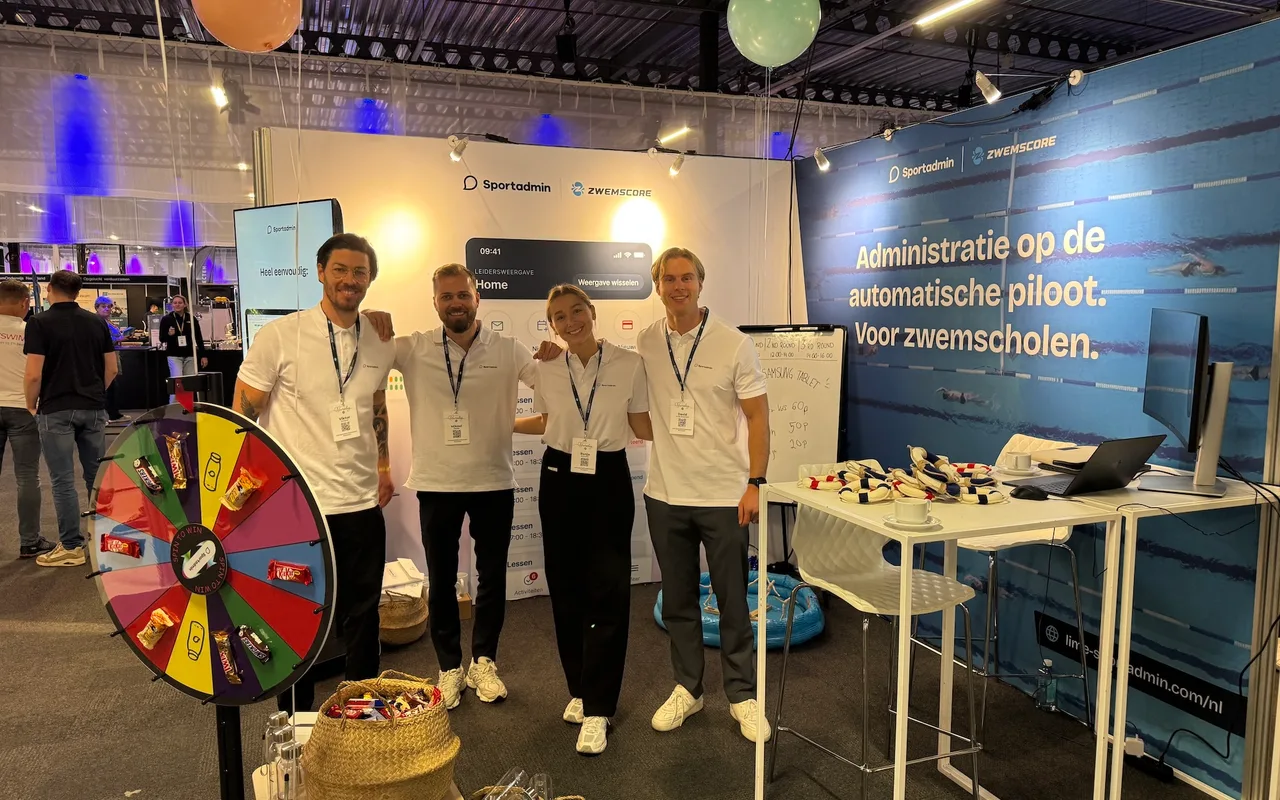
Lime Sportadmin is coming to ZwembadBranche Dag on 8 October. Meet the team at our booth, get a live look at the platform, and try your luck on the prize wheel.